
CommercePro
E-commerce Store Management
Overview
- E-commerce & Online Business
Complete branded online store for businesses selling products directly to customers.
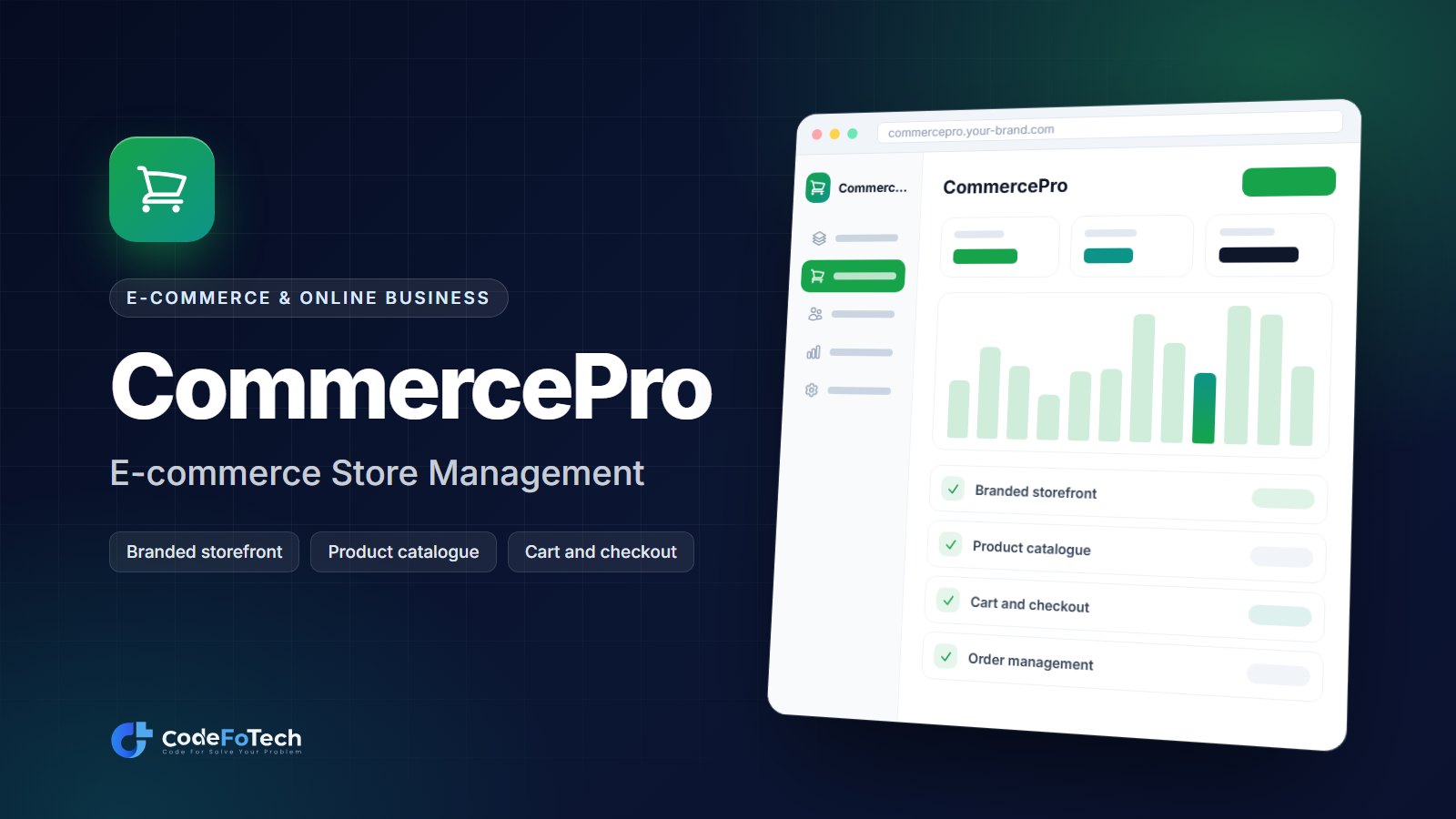
CommercePro gives a business its own branded online store and the tools to run it. The storefront runs on your domain with your logo, colours and content, and presents your catalogue by category with product images, descriptions and prices. Products can have variants such as size, colour or style, each with its own stock, price and images, and collections group items for seasons, campaigns or promotions.
Customers add items to a cart and check out with the payment options you offer, including online payment gateways and cash on delivery. Each order is then processed from confirmation through packing to delivery, with stock updated as orders are placed. Customer accounts hold order history, saved addresses and wishlists to make repeat buying easier, and sales reports show orders, revenue and best-selling products. CodeFoTech customises the design, checkout and delivery rules to fit your business.
Key features
What’s included
-
01
Branded storefrontYour own online store with your brand and domain.
-
02
Product catalogueCategories, products, variants and images.
-
03
Cart and checkoutA simple cart and checkout with payment options.
-
04
Order managementProcess orders from placement to delivery.
-
05
Customer accountsOrder history, addresses and wishlists.
-
06
Sales reportsOrders, revenue and best-selling products.
Find out more
- codefotech.com/index.php/products/commercepro