
Restora
Restaurant & Cafe Management
Overview
- Restaurant & Hospitality
Complete restaurant management platform with POS, tables, orders, menu and kitchen operations.
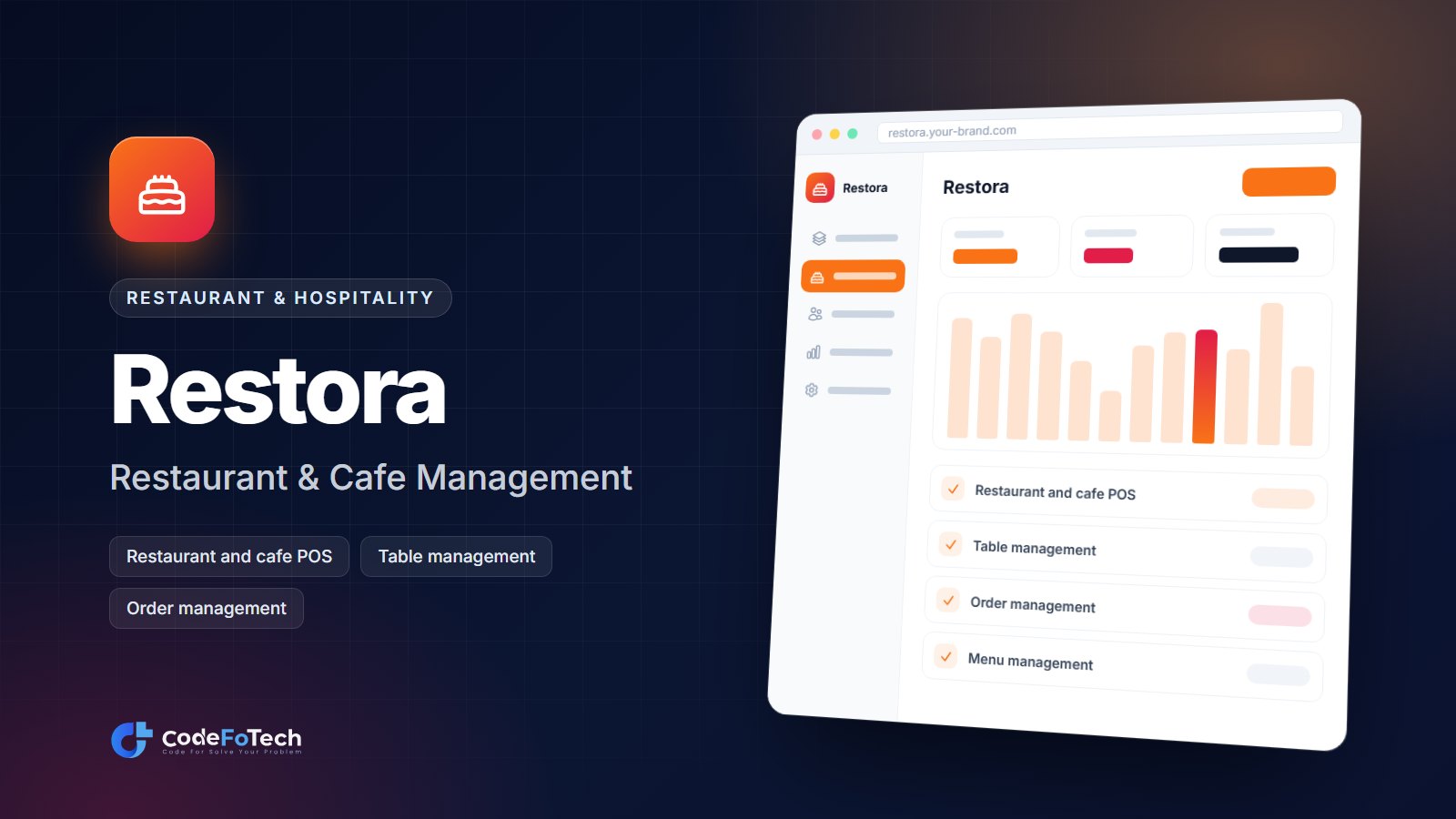
Restora is restaurant and cafe management software that runs front of house from one screen. Staff take dine-in, takeaway and delivery orders, send them to the kitchen and bill guests with split or merged bills and several payment methods. A table layout shows which tables are free, occupied or waiting for the bill, while cafes and quick-service counters use a fast counter screen with token numbers to keep the queue moving.
Menus are managed centrally with categories, variants, add-ons, combos and prices, and ingredient stock can be tracked with low-stock alerts. Shift opening and closing, cash reconciliation and daily sales reports give managers a clear end-of-day picture. CodeFoTech sets up Restora with your menu, floor plan, taxes and receipt design, connects your printers and trains your staff, then supports you after opening.
Key features
What’s included
-
01
Restaurant POSQuick billing for dine-in, takeaway and delivery orders.
-
02
Table managementFloor layout, table status and bill splitting or merging.
-
03
Order managementTake, modify and track orders from table to payment.
-
04
Menu managementCategories, items, variants, add-ons and pricing in one place.
-
05
Kitchen operationsOrders are sent to the kitchen with preparation status.
-
06
Sales reportsDaily sales, item performance and payment summaries.
Find out more
- codefotech.com/index.php/products/restora